

Table of Contents
Why Your LinkedIn Needs More Video (And How AI Makes It Easy)
Jenna, an e‑commerce marketing manager in Austin, spent an hour crafting a thoughtful LinkedIn post about her new product launch. It got 8 likes, no comments, and definitely no leads. Two days later she reposted the same idea as a 35‑second video, and suddenly people were saving it, sharing it, and asking for demos.
If that feels familiar, you are not alone. US marketers and small business owners are fighting higher ad costs, content fatigue, and shrinking attention spans. LinkedIn, once “the resume network”, is now a content platform where video is quietly becoming your unfair advantage.
In Short:
- Video content on LinkedIn gets far higher engagement and recall than text-only posts.
- You do not need a studio or an agency. AI tools make video creation fast, cheap, and repeatable.
- LinkedIn video is perfect for UGC-style content that builds trust with buyers and hiring managers.
- Platforms like ViralBox help you turn product links and simple ideas into high-converting video at scale.
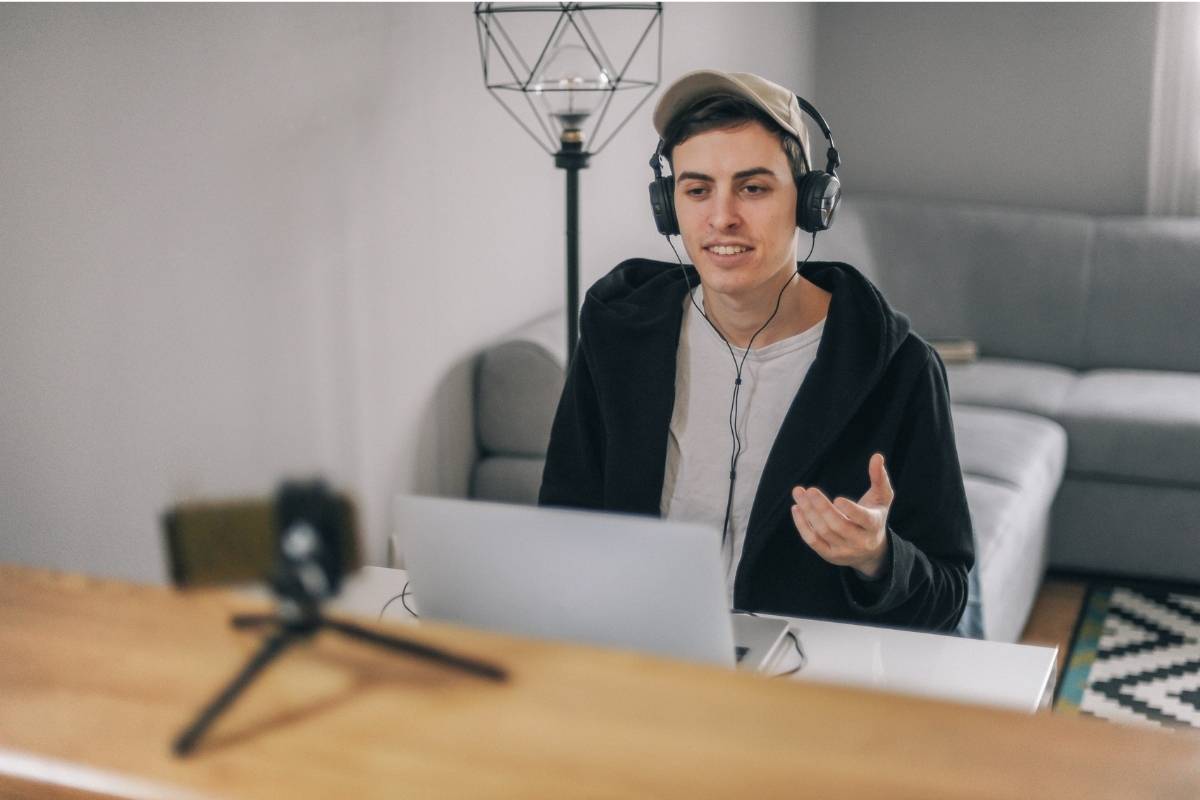
LinkedIn Video: Quick Dos and Don’ts for Marketers
✅ Do
- Hook viewers in the first 2 to 3 seconds.
- Share real stories, results, and behind the scenes.
- Add captions so people can watch on mute.
- Keep most videos between 20 and 60 seconds.
🚫 Don’t
- Post only text while competitors post video.
- Overproduce until it feels like a TV commercial.
- Talk only about features instead of outcomes.
- Forget a clear call to action at the end.
📊 Fast Stats
- Short native videos typically beat link posts in engagement.
- UGC-style videos can lower acquisition costs across channels.
- Hook-first creatives are more likely to be watched to the end.
Why Your LinkedIn Strategy Needs A Lot More Video
Text-only posts are invisible to busy buyers
Your buyers, partners, and future hires scroll LinkedIn between meetings, in line at Starbucks, or on the couch while half-watching Netflix. Long text blocks blend together. A human face and moving visuals stop the scroll.
LinkedIn’s feed naturally favors content that keeps people engaged. Short videos with a clear hook and subtitles usually get more watch time than a paragraph and a link. More watch time means more reach, which means more chances to turn a view into a lead or a connection.
US ad costs are rising while attention keeps shrinking
If you are running paid campaigns on Meta, TikTok, or YouTube, you already feel the squeeze. Higher CPMs. Stricter policies. Creators asking for bigger fees every quarter.
Now think about LinkedIn. It is one of the highest intent audiences on the web, but most marketers still treat it like a static blog. That gap is your opportunity. Video lets you recycle your best hooks and offers from paid channels into organic posts that can bring in pipeline for free.
LinkedIn rewards people, not just brands
People trust faces more than logos. That is why UGC and founder-led content win on almost every platform.
On LinkedIn, video lets you:
- Share quick customer wins in story format instead of dry case studies.
- Explain “how we really did it” in 45 seconds instead of a 1,000 word breakdown.
- Let your team, partners, or even Virtual Spokespersons represent your product consistently.
Want to know a secret? Your competitors are probably still arguing about brand guidelines while a single scrappy video from you can drive more pipeline than their polished carousel.
The old problem: video is slow, expensive, and inconsistent
There is a reason many small teams avoid LinkedIn video. Traditionally you needed:
- Time to write scripts that do not sound stiff.
- Cameras, lights, and someone who knows how to use them.
- Creators or spokespeople who may or may not deliver on time.
By the time you had one “perfect” video ready, the offer had changed or the angle felt stale. Then you were stuck with one or two creatives you were afraid to test aggressively because they were so expensive to produce.
That model does not work when attention spans are short and offers shift weekly. You need to be able to spin up 10 different hooks, 5 versions of the same testimonial, and 3 slightly different product explainers, then see what actually moves the needle.
Why LinkedIn + AI-powered video is such a strong combo
AI tools fix the two things that kill most LinkedIn video strategies: inconsistent output and high production cost.
Here is what happens when you bring AI into your LinkedIn content workflow:
- You can generate Authentic UGC Ad Scripts that sound like your customers, not your legal team.
- You can use AI Avatar Video Generation to create a steady stream of videos without needing to be on camera every time.
- You can turn a product page into a Product Link to Video Ads in minutes, not weeks.
- You can run A/B Testing Content Hooks on your video intros, then bring the winners into your paid campaigns.
Instead of praying that one single “brand film” performs, you treat content like media traders treat ads: high volume, small bets, aggressive testing, then scale what works. On LinkedIn, that approach can completely change how people see you and your product.
How To Use AI To Make LinkedIn Video Easy (With ViralBox)
1. Turn your product link into multiple video concepts
Most marketers overcomplicate video strategy. Start with the assets you already have.
Drop your product page into a tool that supports Product Link to Video Ads. From there you can auto-generate:
- 3 to 5 pain-focused hooks tailored to your ideal customer.
- UGC-style explainer scripts under 30 seconds.
- Simple call to action lines designed specifically for LinkedIn users.
This is where Ad Script Generation becomes your best friend. Instead of opening a blank doc and hoping inspiration appears, you start from proven structures that already work for short-form UGC and adapt them for a LinkedIn audience.
2. Use AI Avatars and virtual spokespeople to stay consistent
Not everyone on your team is comfortable being on camera. That should not block your video strategy.
With platforms like ViralBox, you can spin up AI Avatar Video Generation to create Virtual Spokespersons that deliver your scripts in a consistent tone, look, and brand style. That means:
- You do not need to chase your CEO for “just one more take”.
- You can test different demographics and styles to see what resonates with your LinkedIn audience.
- You can update messaging quickly without rebooking creators.
Use human faces from your team where it makes sense, like personal profile videos and founder stories. Use AI avatars to cover product explainers, feature breakdowns, and repetitive “here is how it works” content that you want to refresh frequently.
3. Build a UGC-style content library specifically for LinkedIn
Think of your video content in three lanes.
- Authority content
Short explainers where you break down one specific lesson, metric, or process your audience cares about. - Proof content
Quick testimonials, before/after stories, or “here are the numbers” breakdowns. - Offer content
Direct response style videos pointing to demos, free trials, or lead magnets.
Use Authentic UGC Ad Scripts to frame each of those lanes as short LinkedIn-ready videos. Since your scripts are grounded in UGC formats that already convert on other platforms, you get content that feels like a real person sharing something useful, not a brand reading a brochure.
4. Rapidly test hooks and topics, then double down on winners
Here is where most teams leave money on the table. They create a video, post it once on LinkedIn, and make a judgment based on that single performance.
Instead, treat LinkedIn like a testing ground. Use A/B Testing Content Hooks to create several intros for the same core video:
- Version A: “If you are a DTC brand, watch this before your next LinkedIn campaign.”
- Version B: “We lowered CAC by 27 percent using UGC-style LinkedIn videos. Here is how.”
- Version C: “This 30 second video outperformed our best text post by 4x.”
Post variations a few days apart, or test them as ads if you have budget. The hook that wins on LinkedIn often also performs well on Meta, TikTok, and YouTube Shorts, so you are improving your entire creative strategy, not just one channel.
5. Distribute your winners across every channel, starting with LinkedIn
Once you see which videos get higher watch time, saves, and inbound messages, do not stop there. Turn LinkedIn into your creative lab, then push the best performers everywhere else using Content Distribution at Scale and Multi-Platform Publishing.
You can:
- Clip a strong hook from a LinkedIn video into a story ad.
- Use a testimonial that crushed on LinkedIn as a retargeting asset on Meta.
- Turn a LinkedIn founder story into a YouTube pre-roll variation.
This is where the magic happens. Suddenly your organic testing on LinkedIn directly powers your paid media. That is how you lower CAC and keep creative fatigue under control without burning out your team or your creators.
Unlock Your Conversion Potential. Try ViralBox Today!
Your Move: Make LinkedIn Your Best Performing Channel
If you are a marketer or business owner, you already feel how noisy LinkedIn has become. Everyone posts, very few stand out, and almost nobody is testing video at the volume that real results require.
You do not need Hollywood production or an army of creators. You need a repeatable process to turn ideas and product links into short, human videos that actually get watched. AI lets you skip the parts that used to slow you down, like script writing and reshoots, so you can focus on the one thing that matters: showing up consistently with content that speaks directly to your buyers.
Start with three simple LinkedIn videos this week. Use AI to help with scripting and delivery. See what lands. Then keep going. Your future customers are already watching something on LinkedIn. The question is whether they are watching you or your competitor.
Frequently Asked Questions (FAQ)
Can AI improve my LinkedIn profile?
Yes. AI tools can analyze each section of your LinkedIn profile, including your headline, about section, work experience, skills, and endorsements, then suggest improvements based on best practices. That can mean sharper positioning, clearer achievements, and stronger keywords so the right people actually find you.
How do I create an AI video for LinkedIn?
The basic flow is simple. Sign up for an AI video platform, log in to the dashboard, and choose a social or LinkedIn-friendly format. The tool can generate a starter script for you using AI, then you pick a style or avatar, customize the visuals and captions, and export the video. From there, you upload it directly to LinkedIn as a native post so it gets maximum reach.